
Start the intake where the vehicle is.
Open the job on a phone, bring in available vehicle details and capture the information the yard needs before arrival.
Get a quote for this service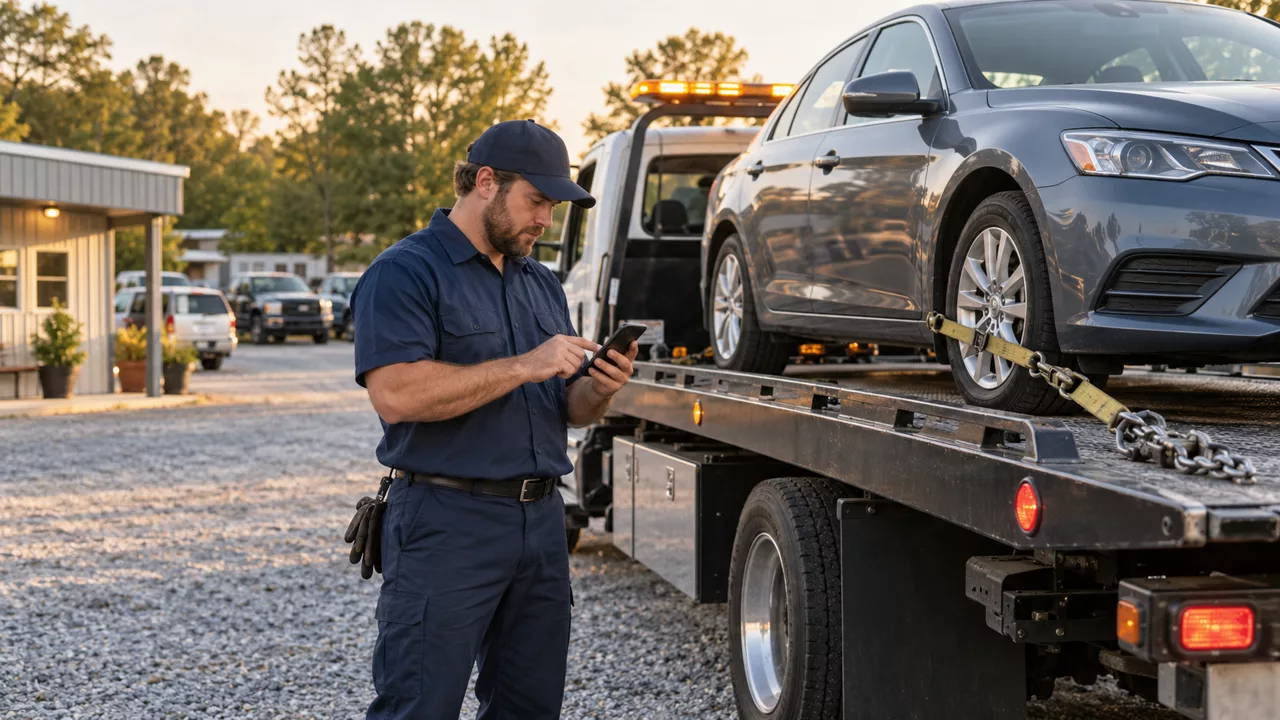
How the work moves
- Open an assigned intake and enter or scan the VIN.
- Review available vehicle details and add pickup, condition and photos.
- Confirm authorization and destination before dispatch or yard arrival.
A good fit for
Towing teams, service yards and vehicle intake desks.
What we need to connect
Vehicle lookup access, required authorization fields, yard destinations, photo handling and staff roles.
The decisions that stay clear
A VIN lookup can supply vehicle descriptors; a phone number does not establish ownership or tow authorization. Driver review and your operating procedures remain essential.
Is the form already filled out when the driver opens it?
Known job and vehicle details can prefill the draft. Missing facts stay visible for the driver to complete and confirm; nothing is invented.
We confirm scope, access, setup, support and usage costs before proposing a build. Examples on this page are demonstrations, not live customer tools.
Compare related solutionsGet a quote for this service.
Mobile Vehicle Intake is scoped and priced individually. We confirm the selected features, supported connections, setup, monthly support and usage charges in your quote. Additional services are quoted separately.